Learn a language by reading
real books at your level.
Pick a classic, or open your own EPUB, PDF or text file, and read it rewritten for your level, from beginner (A1) to the author's own words. English, French, German, Spanish and Italian, with your own language beside it.
How it works
Each page is rewritten following the rules graded-reader publishers use: the words, tenses and sentence lengths of your CEFR level. Change the level at any time, even for one paragraph.
Learn English, French, German, Spanish or Italian, from any of the others. Read books written in the language, or books from your own language retold in it.
Where Project Gutenberg has a published translation, the app lines it up paragraph by paragraph and uses the translator's words instead of a machine's.
Tap a word for its meaning. Double-tap one you don't know, and later pages bring it back until you've met it enough times to know it.
Ready to read
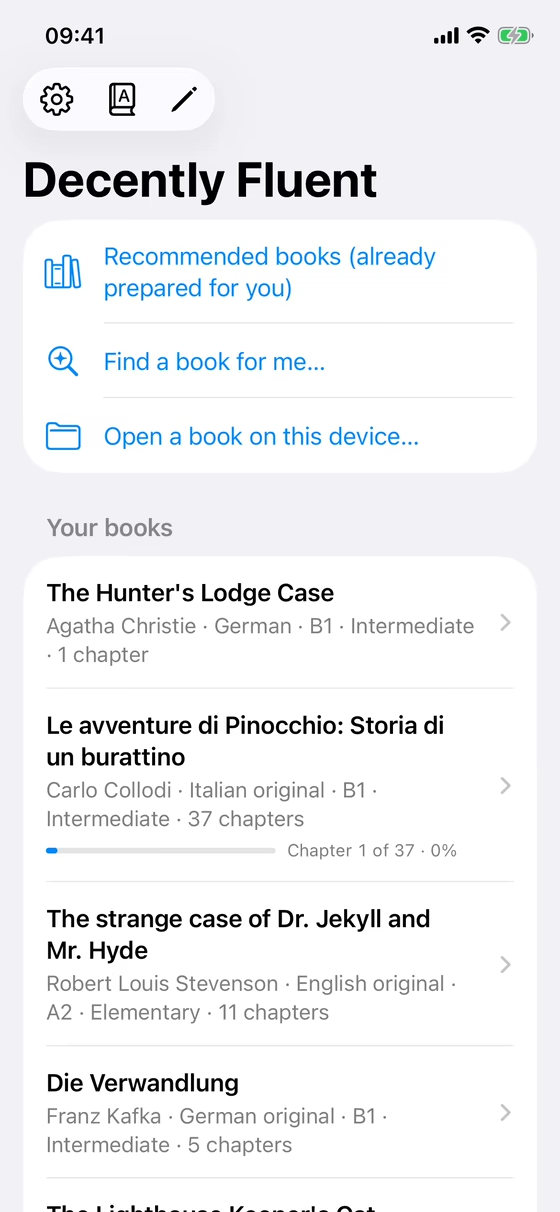
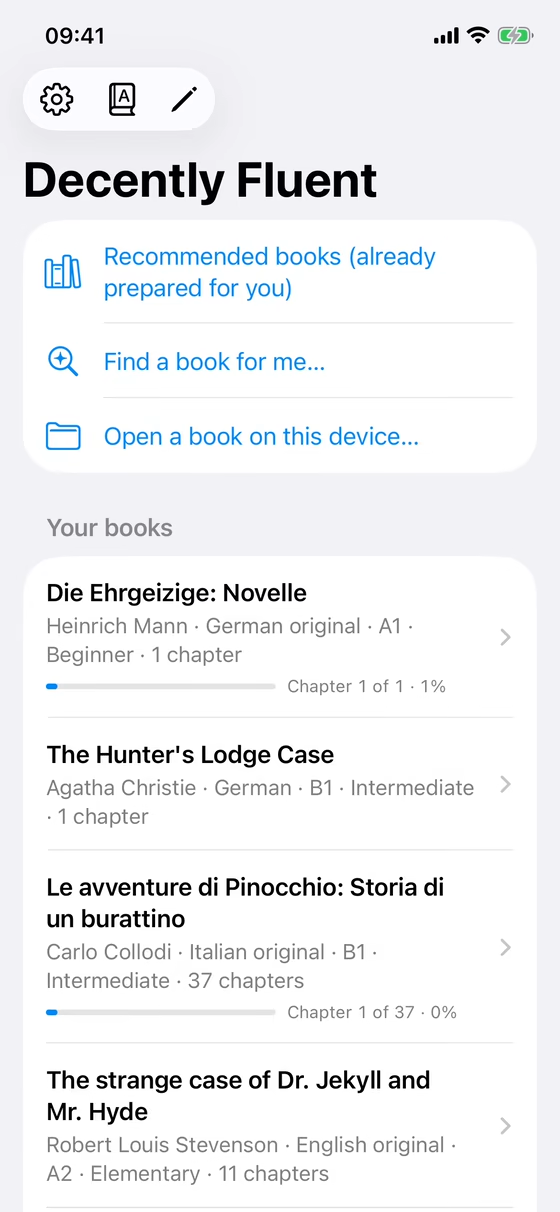
The books the guide recommends most to English speakers learning French or German come with their opening pages already written at A1, A2 and B1. Open Recommended books, pick one, and start reading straight away: no waiting, and no AI key needed for those pages.
Each book has a short description, so you can tell what it's about before you choose. A book you already have opens where you left off.
New words
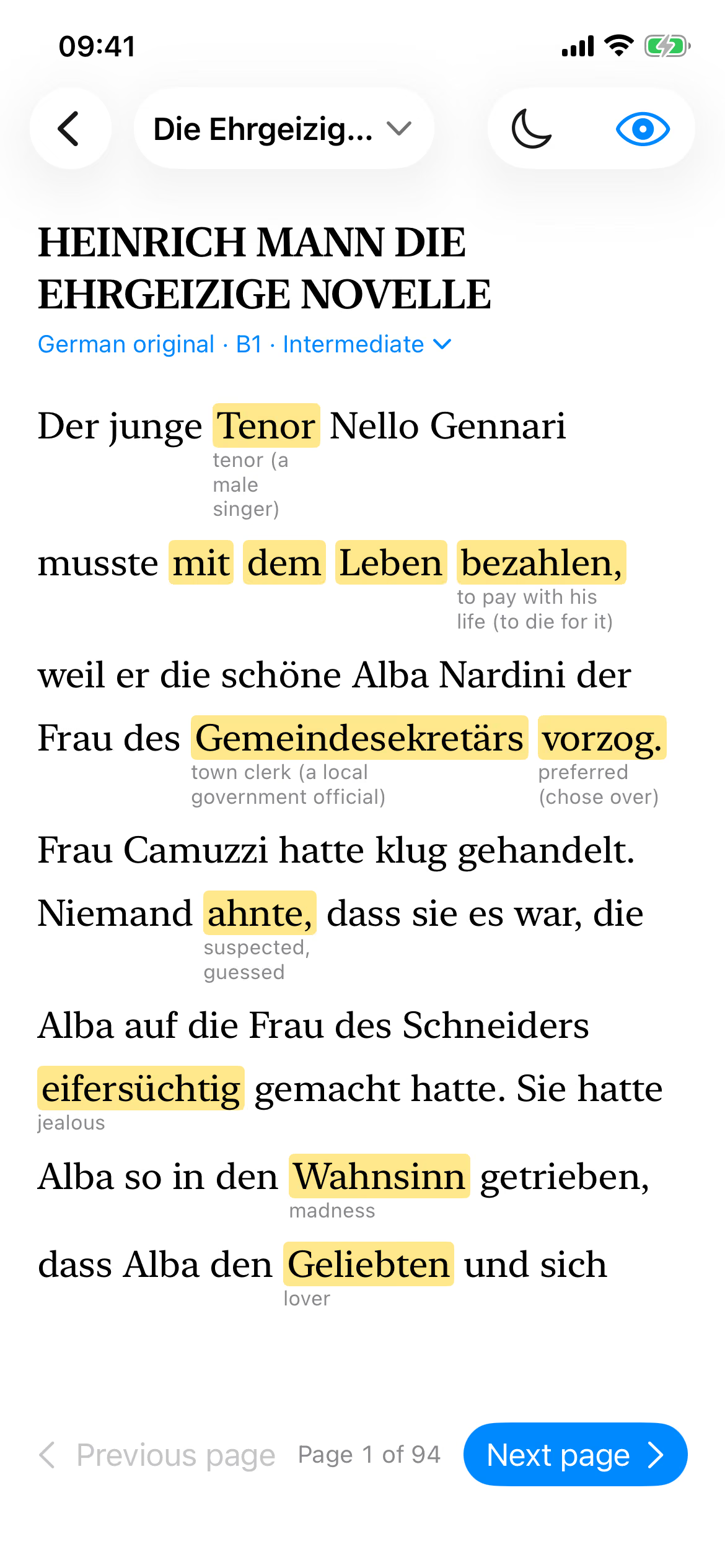
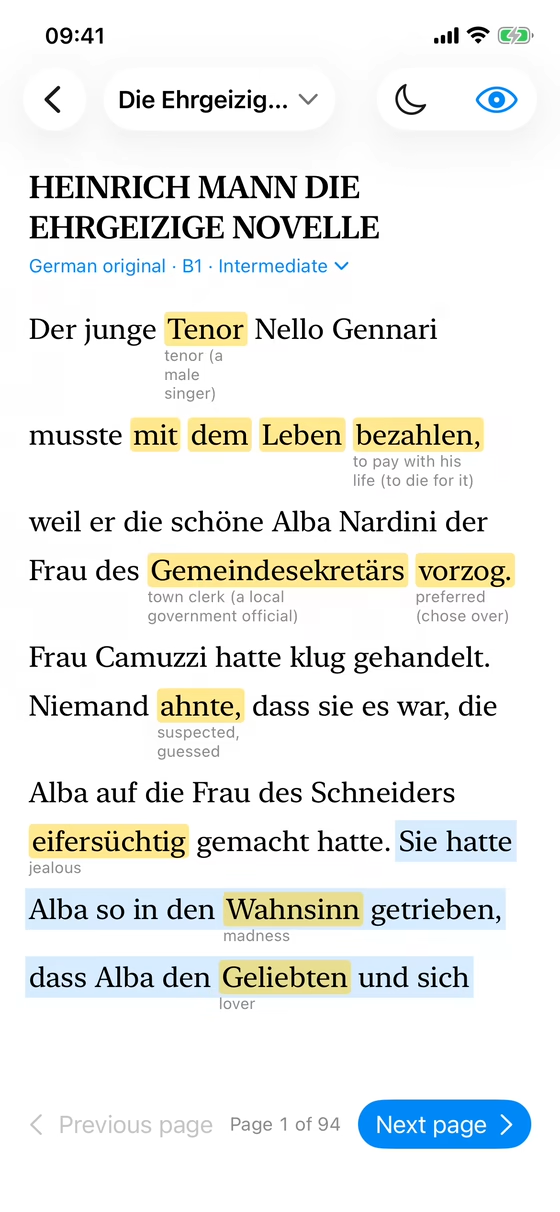
Show new words and each one is highlighted, with its meaning in small type underneath, so you keep reading instead of reaching for a dictionary. Tap any highlighted word for a card with its meaning; tap a sentence to shade it.
Double-tap a word you don't know and it goes on your list of words: later pages use it again until you've learned it.
Your level
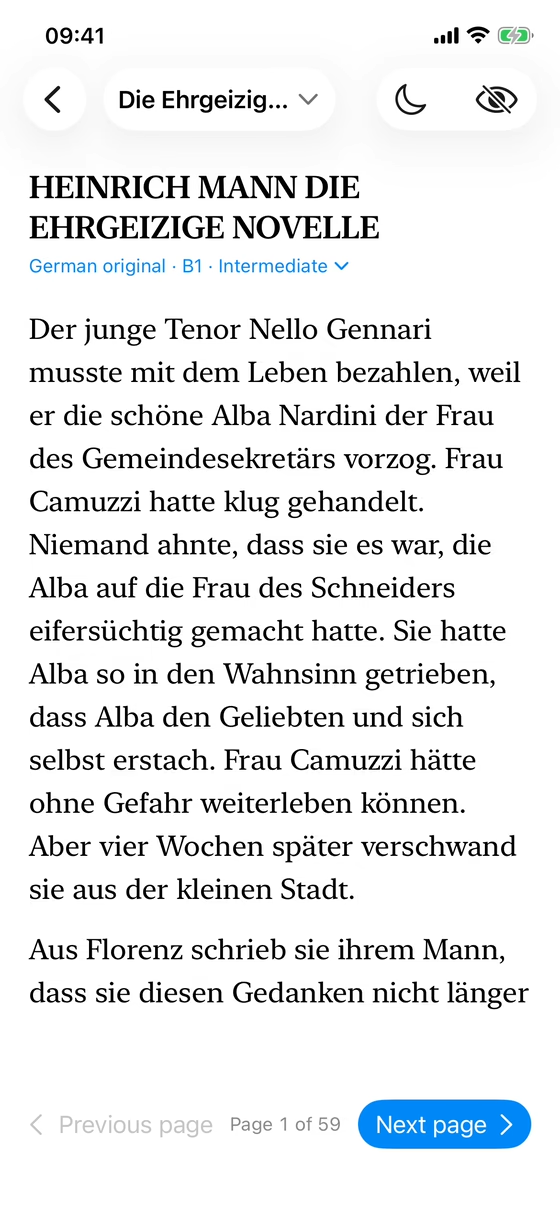
The level menu shows a ticked box beside each level whose next pages are already written, and an hourglass beside those still to be written. Pick one and the page changes at once: here, the same story at B1 and then at A1, with simpler sentences and new words explained.
Pages
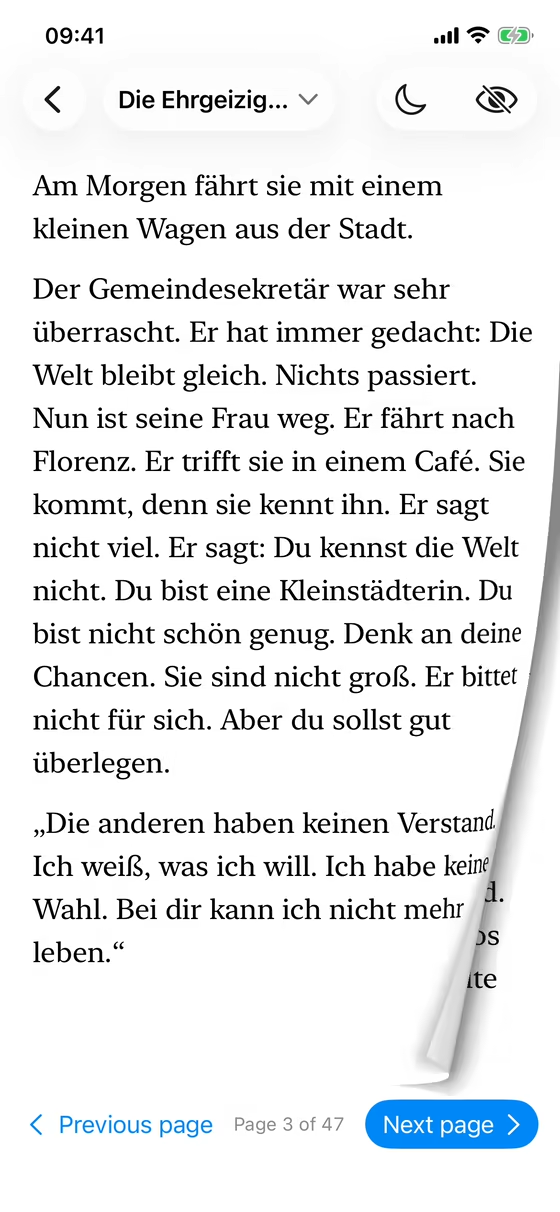
Drag a page and it curls back under your finger, showing the next page underneath. The Next and Previous buttons and the arrow keys turn it with the same curl. Pinch to make the text larger or smaller; on a Mac, use the text size buttons or ⌘+ and ⌘−.
Tap the page number at the bottom to hide everything but the text and read on the whole screen; tap there again to bring the buttons back.
Only the next few pages are rewritten as you read, so changing level is cheap and nothing is spent on pages you never reach.
Side by side
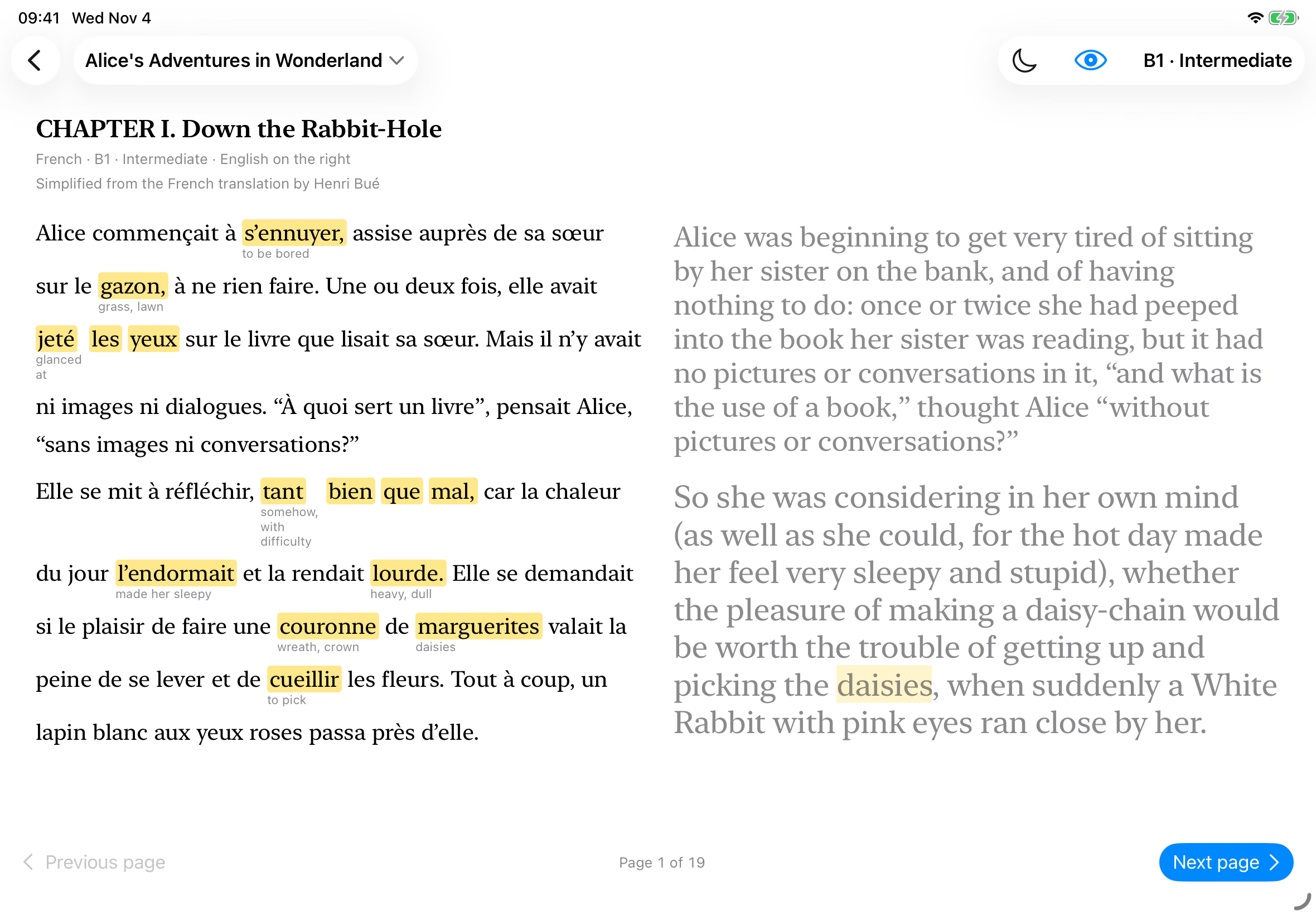
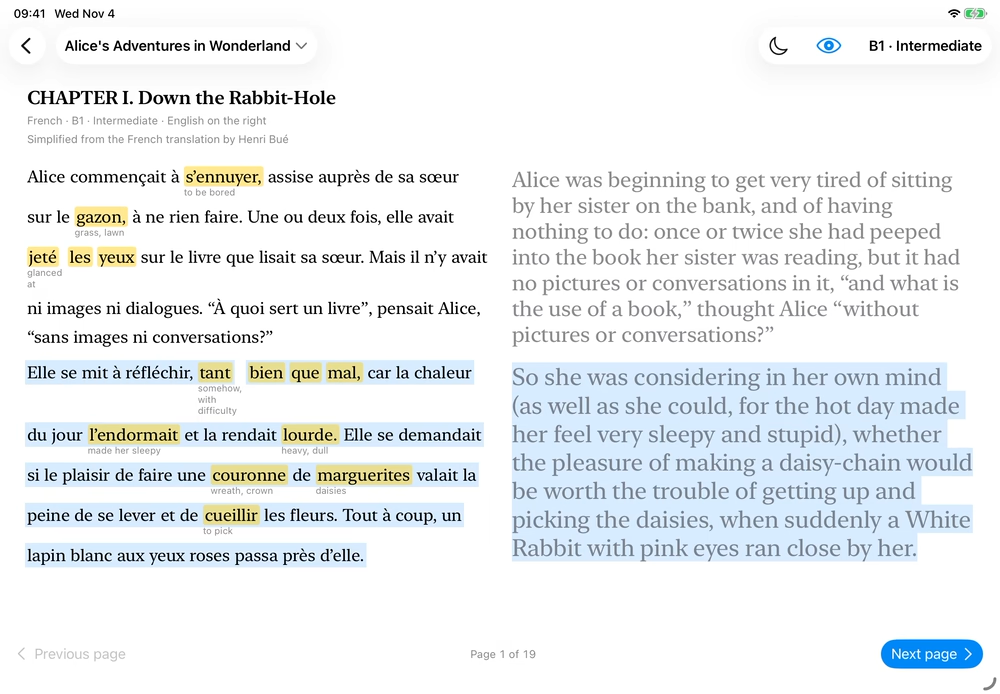
Turn your phone sideways, or read on an iPad or Mac, and each paragraph has your own language beside it, sized to line up. Tap a sentence on either side and it lights up in both columns, so you can see exactly what it says.
Finding a book
A short guide asks your language, your level, the stories you like and how long you read each day. It then ranks 38,000 Project Gutenberg books by what research on learning from reading says helps: everyday vocabulary, a length you can finish, short chapters, plenty of dialogue. Mostly Paul Nation's work, with every reason shown and its source.
Every book has a short description, and its page adds the plot from Wikipedia.
Install
On an iPhone or iPad, Decently Fluent is installed with SideStep, a free Mac app that puts apps on your own devices with your own Apple ID and keeps them signed. Click the button on a Mac with the iPhone or iPad plugged in; if you don't have SideStep yet, it offers an installer that sets it up first and walks you through it. It's also in SideStep's app search.
iPhone and iPad · iOS 17 or newer · installs from a Mac
 Decently Fluent